Actions
Bug #4318
closed
BV
SR
Lead Call Overview Report – Download/Export Functionality Not Working
Bug #4318:
Lead Call Overview Report – Download/Export Functionality Not Working
Start date:
Due date:
% Done:
0%
Estimated time:
Description
Steps to Reproduce:
Login to the application.
Navigate to Reports → Lead Call Overview Report.
Click/Tap the Download (Export) icon.
Observe the result.
Actual Result:
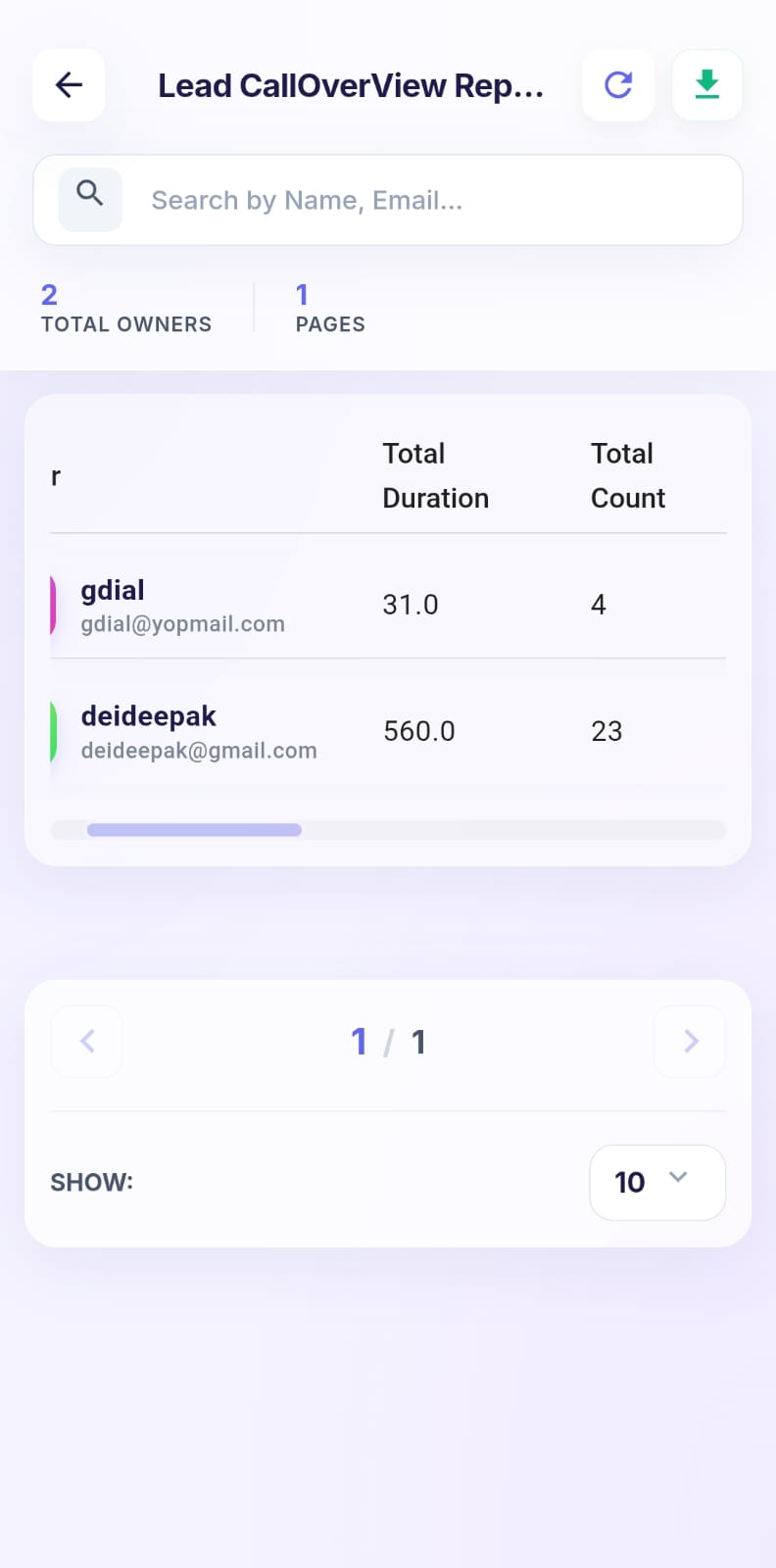
The report is not downloaded.
No export file is generated.
Expected Result:
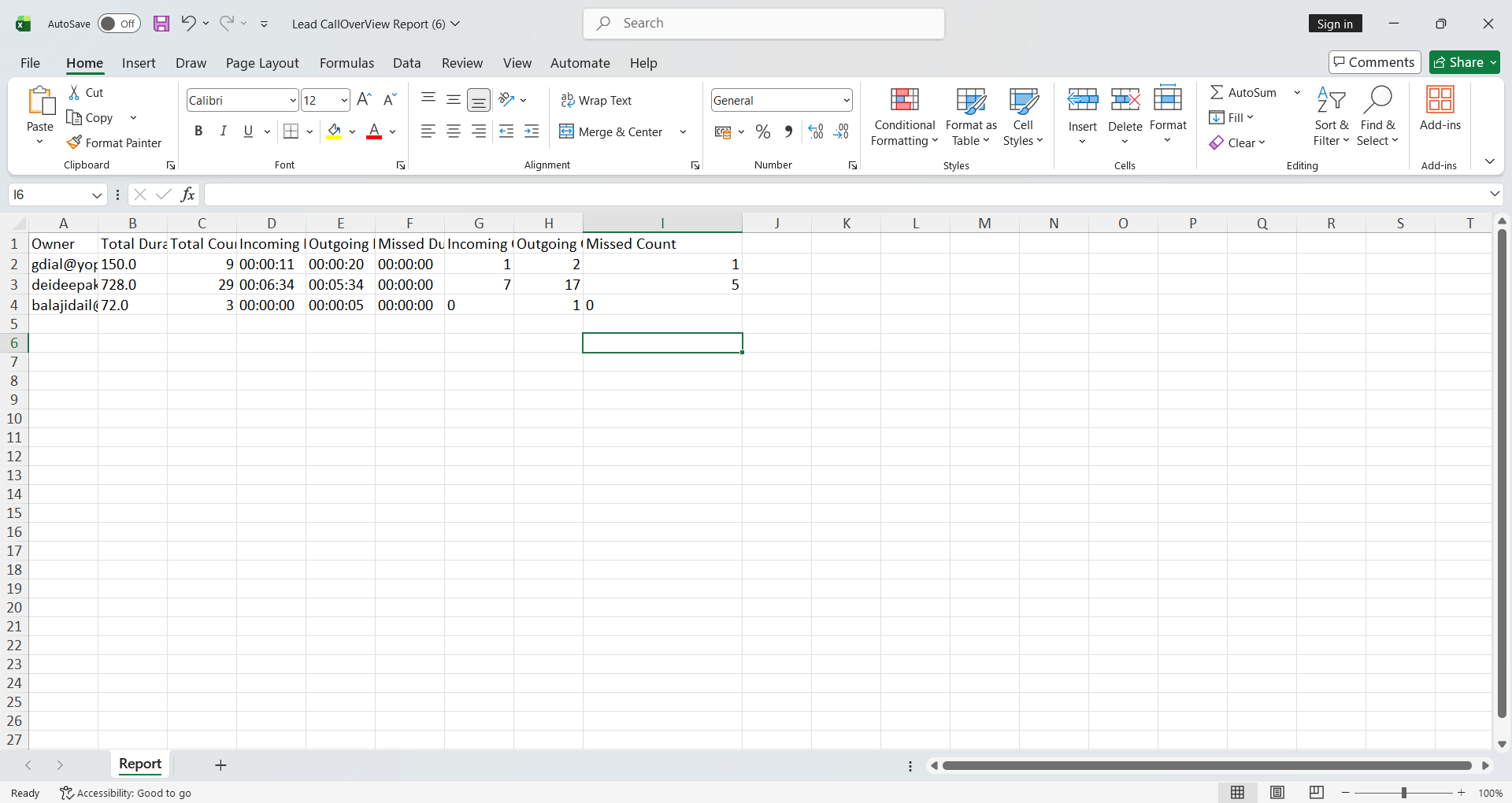
The report should be downloaded successfully in the supported export format (Excel/CSV/PDF, as applicable).
A download prompt or success message should be displayed after the export is initiated.
kingbolt@gmail.com
Welcome@123
Files
SR Updated by satheesh r 15 days ago
- Assignee changed from satheesh r to nandhini v
NV Updated by nandhini v 13 days ago
- Status changed from New to Resolved
BV Updated by balamurugan V 12 days ago
- Status changed from Resolved to Re-open
NV Updated by nandhini v 12 days ago
- Status changed from Re-open to In Progress
NV Updated by nandhini v 11 days ago
- Status changed from In Progress to Resolved
BV Updated by balamurugan V 11 days ago
- Status changed from Resolved to Re-open
NV Updated by nandhini v 10 days ago
- Status changed from Re-open to Resolved
BV Updated by balamurugan V 9 days ago
- Status changed from Resolved to Re-open
NV Updated by nandhini v 5 days ago
- Status changed from Re-open to Resolved
NV Updated by nandhini v 5 days ago
- File Bug#4318.png Bug#4318.png added
BV Updated by balamurugan V 4 days ago
- Status changed from Resolved to Re-open
- Assignee changed from nandhini v to satheesh r
SR Updated by satheesh r 4 days ago
- Status changed from Re-open to Resolved
BV Updated by balamurugan V 4 days ago
- Status changed from Resolved to Closed
Actions