Actions
Bug #3745
open
AK
DD
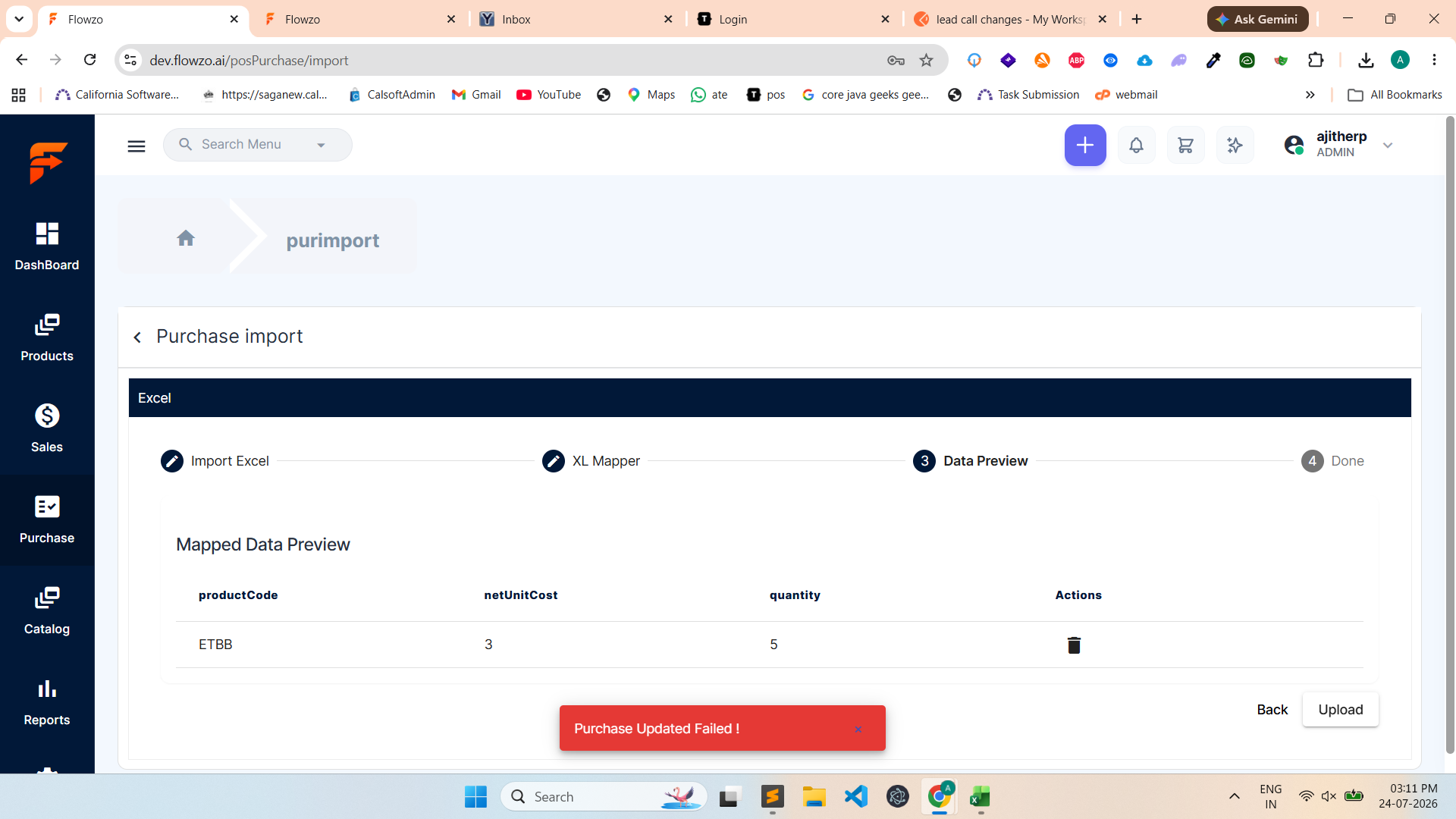
Purchase import via Excel fails with "Purchase added failed" toaster message
Bug #3745:
Purchase import via Excel fails with "Purchase added failed" toaster message
Start date:
Due date:
% Done:
0%
Estimated time:
Description
When uploading a purchase through the Excel import feature, the system displays a "Purchase added failed" toaster message, and the purchase is not imported.
Steps to Reproduce:
Login to the application.
Navigate to ERP → Purchase.
Click Import/Upload Excel.
Upload a valid purchase Excel file.
Click Import/Submit.
The system displays a "Purchase added failed" toaster message, and the purchase records are not imported.
Files
Actions